Dub Mode: How to Dub and Save a Take
Hear a line, record your take, retry when needed, then save the dub so you can watch it again. Clip packs stay on the packs pages.
Each prompt plays once, then you record, retry, and save the finished dub so you can watch it again. Open the free browser game for that loop. Clip packs stay on Where to Find Packs.
Start a session
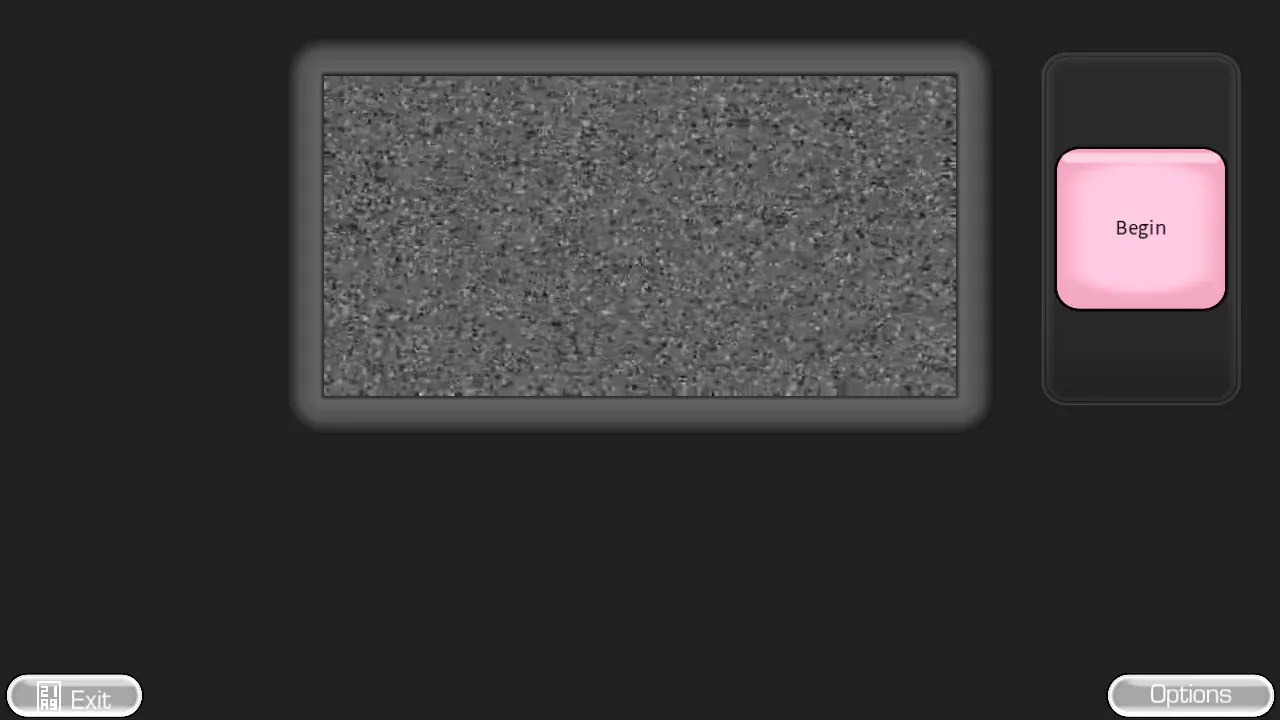
- Open the game from the homepage.
- Allow microphone access when your browser asks.
- Pick a clip or voice pack.
- Press Begin.
- Listen to the prompt, press Record, speak, then stop the recording.
- Keep the line or try it again.
- Replay the full performance after the last line.
You can repeat the original words or improvise a completely different sentence. The fun comes from timing, character voices, and unexpected choices.
Main controls
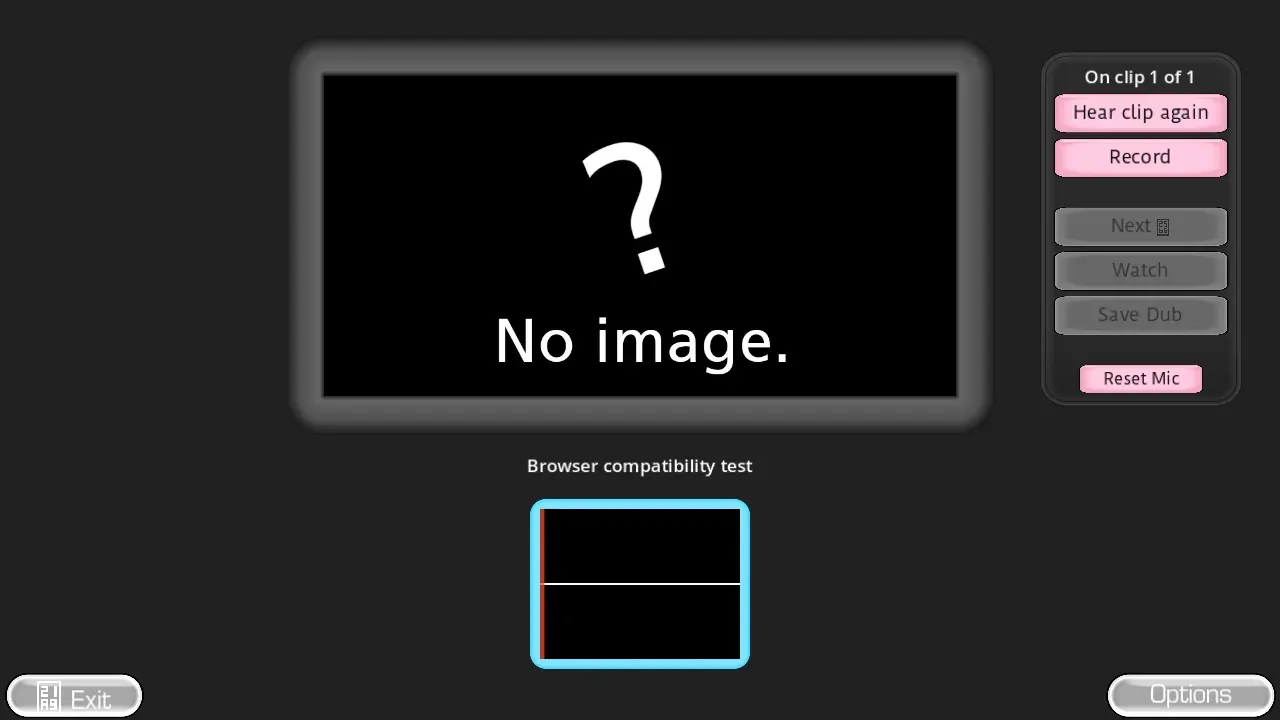
| Control | What it does | When to use it |
|---|---|---|
| Begin | Starts the selected clip | You are ready for the first prompt |
| Record / Stop recording | Captures your voice for the current line | The prompt has finished |
| Clip again | Replays the prompt | You missed the timing or wording |
| Skip / Keep | Drops or accepts the current line | You want to move on |
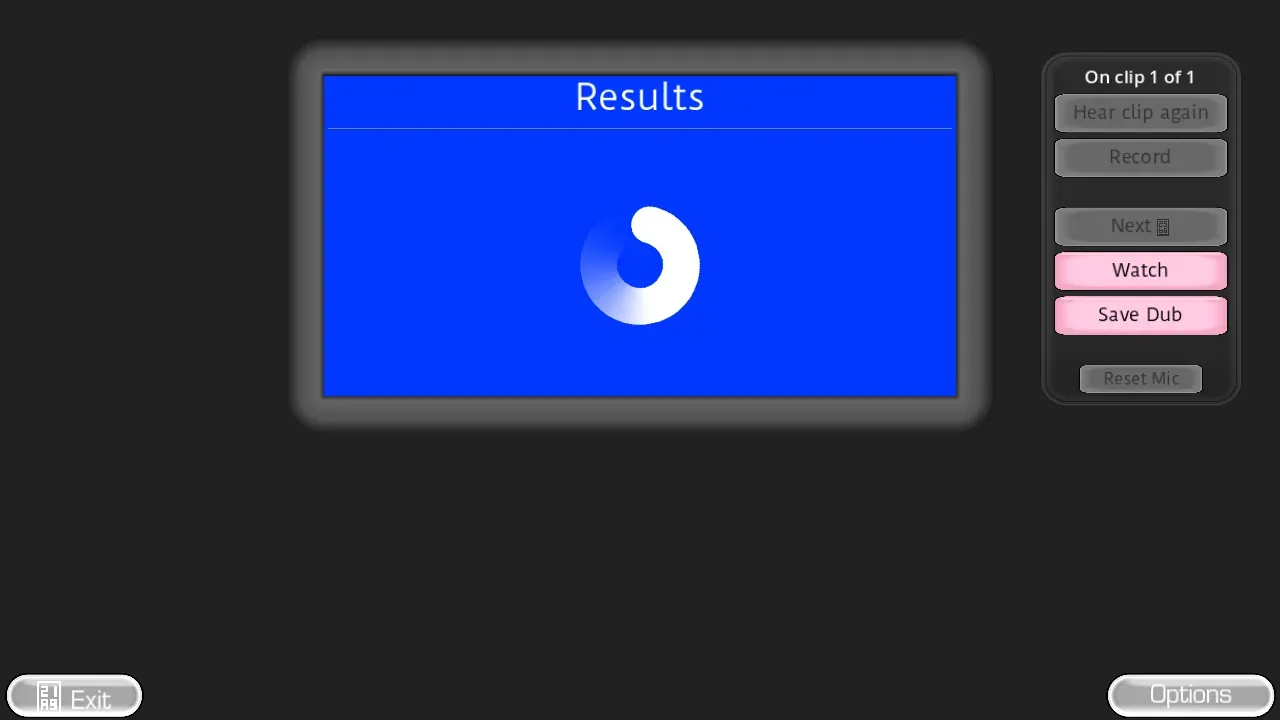
| Save dub | Finishes the session | You want to replay the whole take |
Judge the completed performance, not one sentence by itself. A line that feels plain on its own can work once the whole scene plays back.
Better first takes
- Use headphones so the prompt does not leak into your microphone.
- Keep the microphone at a steady distance.
- Speak after the prompt ends instead of talking over it.
- Retry one weak line instead of restarting the whole scene.
- Change voices when the speaker changes.
If no waveform appears, use Microphone Help before starting again.
FAQ
Do I have to repeat the original words?
No. You can match the line or replace it with your own dialogue.
Can I redo one line?
Yes. Use Clip again to replay that prompt and record a fresh take.
How do I save a dub and watch it later?
Use Save dub after the last line, then Watch. The take stays in this browser until you close the tab.
Where do I get clip packs for Dub Mode?
From audio you already have rights to use. Start at Where to Find Packs or the packs list. This page is the recording loop, not a pack library.
The complete game is free to play on The Choicer Voicer homepage . There is no installer.