Shared Play / Multiplayer: Take Turns With Friends
Share one browser and one microphone with friends. Up to four people take turns in the same room. There is no online lobby or matchmaking.
Friends play together on the same-screen game: one browser tab, one microphone, and at most four people in the same room. There is no online lobby.
Set up the room
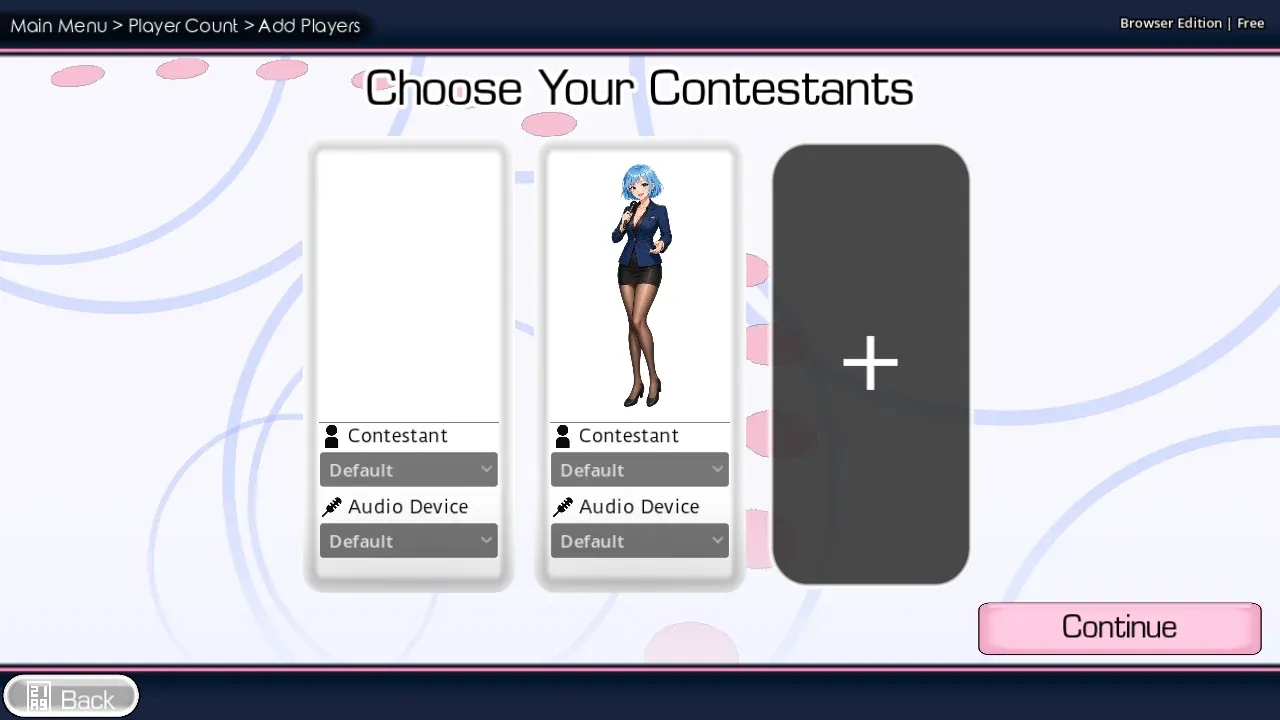
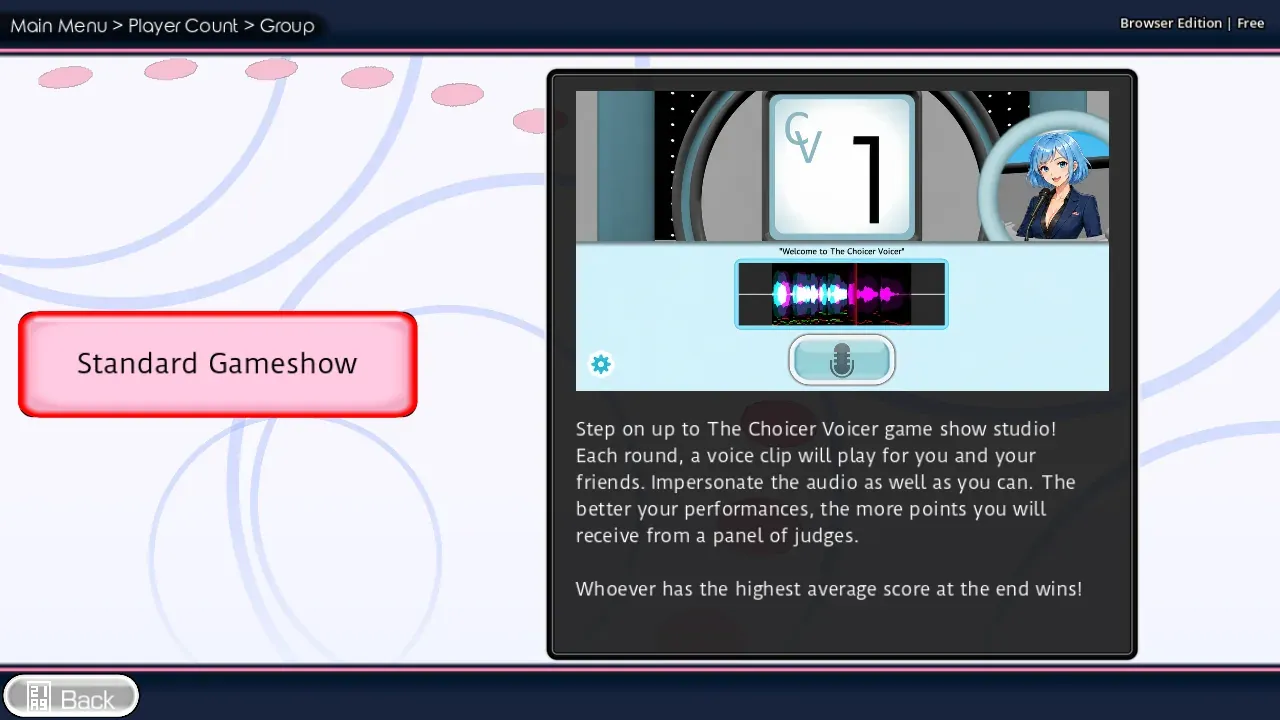
- Open The Choicer Voicer on one screen.
- Connect or select one microphone.
- Keep everyone close enough to see the prompts.
- Decide who performs each line.
- Pass the microphone or rotate seats between turns.
Up to four people can share a session. There is no remote lobby or matchmaking; everyone plays together in the same room.
Keep the recording clean
| Problem | Simple fix |
|---|---|
| Other voices leak into a take | Ask everyone except the performer to stay quiet |
| The next player starts too soon | Wait until the prompt ends before passing the mic |
| Volume changes between players | Keep the microphone at the same distance |
| One line goes wrong | Replay only that prompt and record it again |
For the buttons used during each line, see Dub Mode. If the microphone stops responding, use Microphone Help.
FAQ
Can friends join from another location?
No. There is no online lobby or matchmaking. Everyone uses the same browser in the same room, with one microphone passed between turns.
Does every player need a microphone?
No. One microphone is enough when players take turns.
Do we each need an account?
No. One browser session is enough. Nobody creates an account.
The complete game is free to play on The Choicer Voicer homepage . There is no installer.